A fix that arrives together with its tests has a built-in way to cheat. Both sides were written from the same guess, so the tests pass for the same reason the bug existed. The order that prevents this is dull and worth keeping: write the case that should fail, run it, see it fail, and only then ask for a change that makes that run pass.
Four rows, and no more at the start
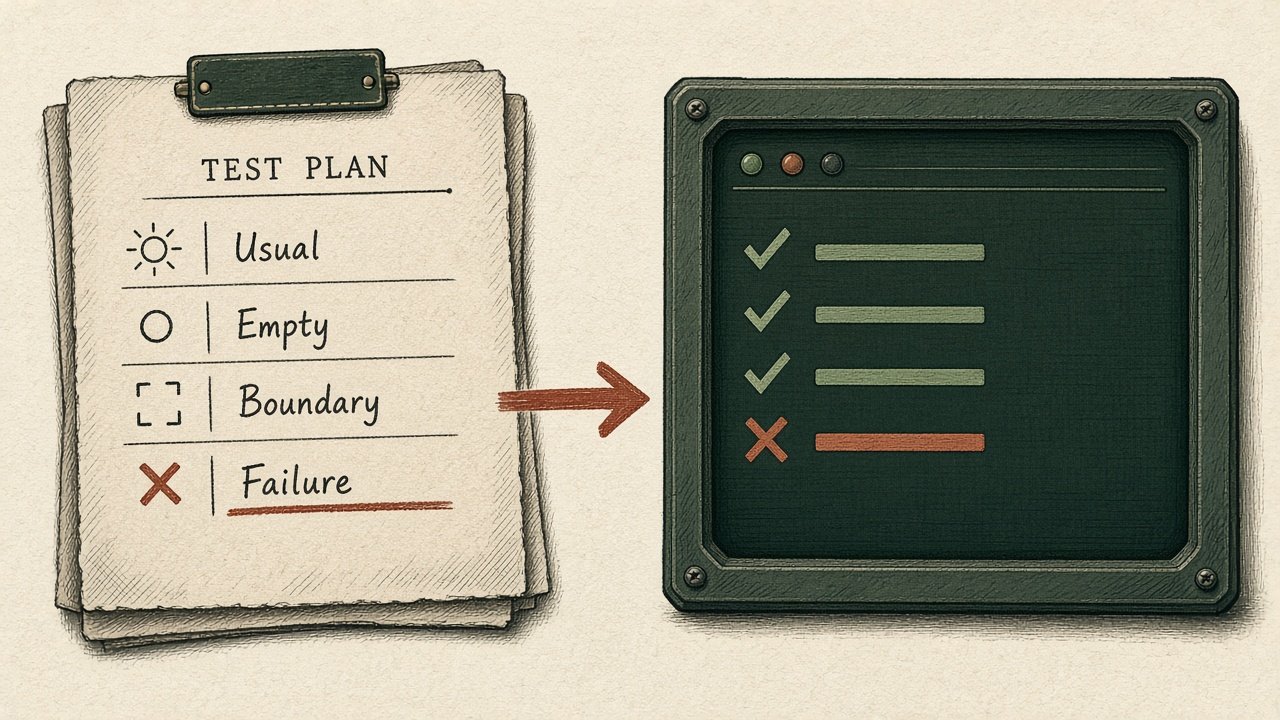
Usual: the input you actually expect, and the result a caller needs. Empty: the blank string, the empty list, the missing record. Boundary: one step inside the limit and one step outside it. Failure: the dependency refuses, the permission is absent, the timeout fires, and the caller must be able to tell. The drawing on this article is that list, with the failure row carried across to the terminal. If the failure row is missing, the suite can be entirely green and still hide the bug you came to fix.
Phrase each row as something you could observe, not as a line of the implementation. “A blank name is rejected and the record is unchanged.” You can hand that sentence to a model and let it write the test. You should not hand it the implementation in the same message.
See the red before you accept the green
Run the new test against the code you have. It should fail, and it should fail for the reason you named. A test that errors in the setup, or passes already, is not covering the bug. Fix the test until the failure is the one you meant. This is the step people skip when a model offers a patch and a test in one reply. Split the reply. Apply the test. Run it. Then look at the patch.
One change, then the same command
Apply one fix and run the same command. If the row is still red, revert and try a different guess. Do not stack a second fix on an unproven first one; you will no longer know which line the green belongs to. If a different row turns red, the fix was wider than the case. That is a failed review, not a prompt to update the test until it agrees.
When the four rows are green for reasons you can point at, stop. More tests can come later, from the next real failure. A long generated suite that you have not read is a story about safety, not a check.